Forgetting previous WiFi.
Occasionally when you are unable to connect to a WiFi network, it may be do to your device having to many saved WiFi connections. You can delete networks (such as hotels and airports) that are no longer in use to free up space.
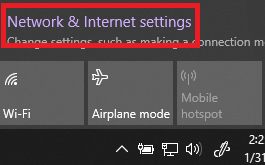
1.) Open up Network and Internet settings

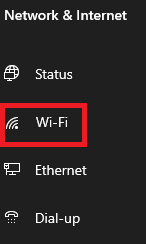
2.) Click on WiFi
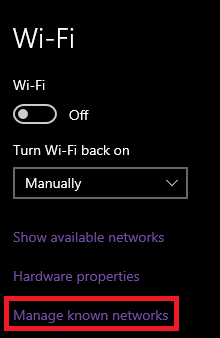
3.) Click on Manage known networks
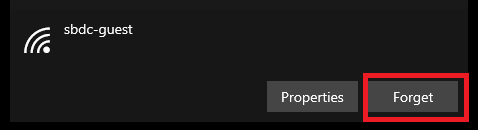
4. Select the WiFi Network you wish to remove then click Forget.