
Power-cycle/reboot docking station
WhenThis youknowledgebase plug your laptop into a docking station the mouse, keyboard, or monitors may not work. The most common cause of this issue is the docking station may have gotten hung up. While the docking station cannot be used without a computer, itarticle has abeen small processor in it that handles the ability for youmoved to useConfluence. it.
Checking the monitors.
Checking mouse and keyboard cables.
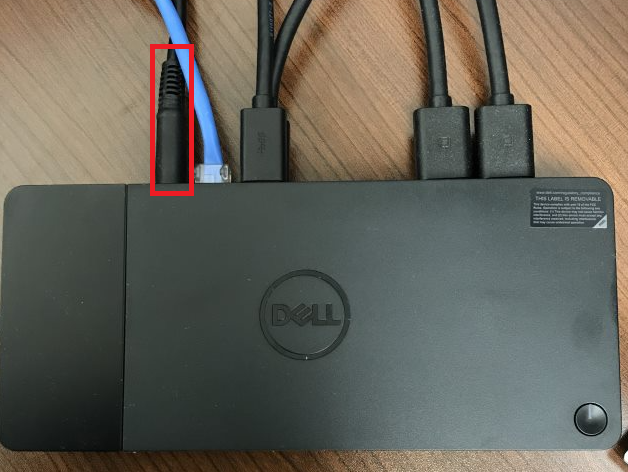
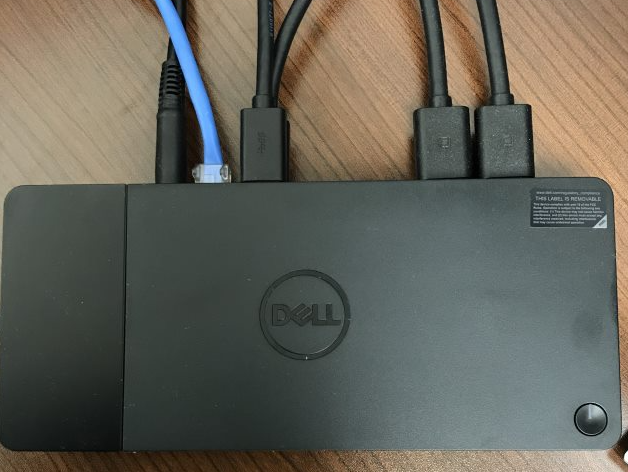
Resetting the docking station
A majority of the time you can reset your docking station and it will fix the issue. If this does not work,Please go to the nextnew solution.

No option is working.
If nothing is working, then device may be malfunctioning. Describe what you have tried in your IT helpdesk ticket and we will see if replacement is needed.