NTCC VPN
WhenThis notpage onhas onebeen ofmoved. NTCC'sPlease campuses,follow youthis should always connectlink to the NTCCknowledgebase VPN. Connecting to the VPN permits access to many resources and ensures that your computer gets the latest updates and security settings.article.
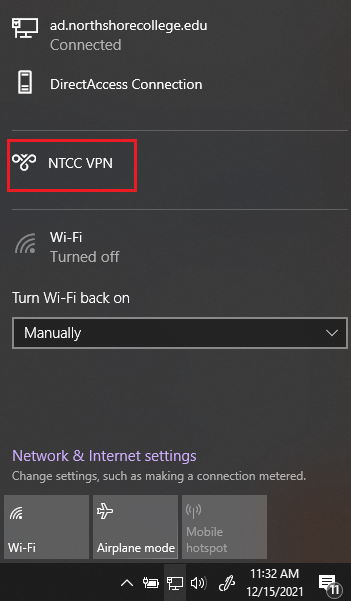
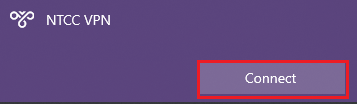
NTCC has 2 VPNs, one is manual while the other is automatic. The NTCC AlwaysOn VPN is the automatic one, and the NTCC VPN is the manual one. Both are accessible from the network system tray icon by the clock.
NOTE: You MUST be connected to the Internet to use the VPN, such as home WiFi.
Automatic connection to NTCC AlwaysOn VPN
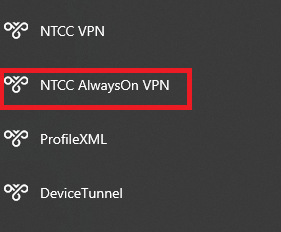
Connecting to the NTCC VPN (manual)
Click on the Internet/WiFi icon at the bottom of your taskbar.

or